
The Ultimate Guide to Keeping Your Social Media Accounts Secure: Latest Security Updates
Social media platforms have become integral to modern life, serving as hubs for communication, information sharing, and entertainment. However, this widespread use also presents significant security challenges. Protecting your digital presence on these platforms is crucial to prevent unauthorized access, data breaches, and reputational damage. This guide outlines essential steps and knowledge to enhance your social media security.
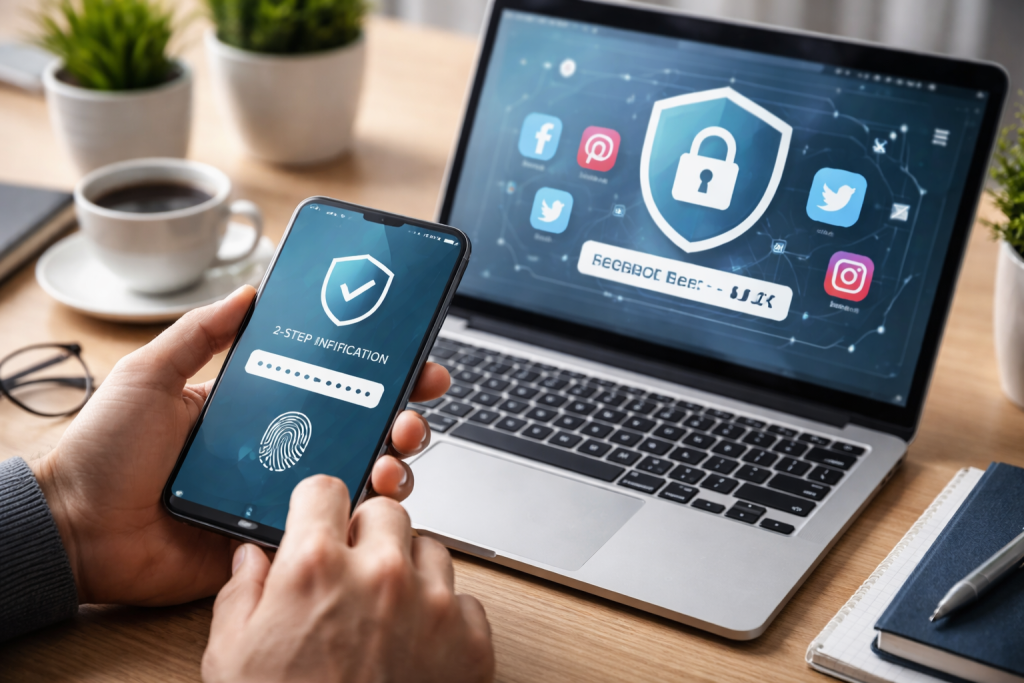
The security of your social media accounts rests on several foundational elements. Neglecting any of these can leave your digital doors ajar, inviting unwanted guests.
Contents
- 0.1 The Value of Your Digital Identity
- 0.2 The Ever-Evolving Threat Landscape
- 0.3 Crafting Unbreachable Passwords
- 0.4 The Power of Two-Factor Authentication (2FA)
- 0.5 Recognizing and Dodging Phishing Scams
- 0.6 Staying Informed with the Latest Security Updates
- 0.7 The Art of Information Control
- 0.8 The Role of Third-Party Applications
- 1 FAQs
- 1.1 1. Why is social media security important?
- 1.2 2. What is two-factor authentication, and how does it enhance social media security?
- 1.3 3. How can I recognize and avoid phishing scams on social media?
- 1.4 4. What are some best practices for protecting personal information on social media?
- 1.5 5. What are the latest security updates and features on popular social media platforms?
The Value of Your Digital Identity
Your social media profiles are more than just collections of posts and photos. They are extensions of your personal and professional identity. Information shared, connections made, and even casual interactions contribute to this digital persona. This identity carries real-world value, influencing relationships, career opportunities, and even financial standing. For instance, a compromised account could be used to spread misinformation in your name, damaging your credibility. A breach could also expose private conversations or sensitive personal details, leading to identity theft or blackmail. Think of your social media identity as a valuable piece of property; it requires protection from those who might seek to exploit it for their gain.
The Ever-Evolving Threat Landscape
The methods employed by malicious actors to compromise online accounts are constantly evolving. What works today may be obsolete tomorrow. Cybercriminals are adept at exploiting vulnerabilities, whether they lie in platform security, user behavior, or technological advancements. This dynamic threat landscape means that staying informed and adapting your security practices is not a one-time task but an ongoing commitment. Attackers constantly seek new strategies to outmaneuver defenses in the digital world, akin to a high-stakes chess game. Keeping your security knowledge current is like studying your opponent’s playbook.
Implementing robust security measures is the first line of defense against potential threats. We design these steps to establish robust barriers around your online presence.
Crafting Unbreachable Passwords
Your password is the primary key to your social media kingdom. A weak password is like a flimsy lock on a valuable chest, easily picked by opportunistic thieves.
The Perils of Common Passwords
Many users opt for passwords that are simple to remember, such as their names, birthdates, or common phrases like “password.” These predictable passwords are low-hanging fruit for attackers using brute-force methods or dictionary attacks to guess credentials. Due to the ease of cracking these passwords, a significant percentage of account compromises result from this simple oversight.
The Anatomy of a Strong Password
A strong password should be a complex tapestry of characters. It should be long, ideally at least 12 characters, incorporating a mix of uppercase and lowercase letters, numbers, and symbols. Avoid using personal information that can be easily guessed. Instead, consider using a passphrase—a sequence of unrelated words that, when combined, form a memorable yet secure password. For example, instead of “MyDogBuddy1,” consider “PurpleElephantDreams@42.”
The Case for Unique Passwords
Using the same password across multiple platforms is a critical security flaw. If one account is compromised, all others sharing that password become vulnerable. This creates a domino effect, where a single breach can compromise your entire digital life. Each social media account should have its own distinct password, acting as a separate and secure vault.
The Power of Two-Factor Authentication (2FA)
Two-factor authentication adds an extra layer of security, transforming your password from a single key into a two-part pass. It requires not only your password but also a second form of verification to log in.
How 2FA Operates
When you attempt to log in with 2FA enabled, after entering your password, you will be prompted to provide a second piece of evidence. This typically comes in the form of a code sent to your registered phone number via text message, generated by an authenticator app, or even a physical security key. This second factor acts as a gatekeeper, ensuring that even if your password is stolen, the attacker cannot gain access without also possessing the second verification method. It’s like having a deadbolt on your door in addition to a standard lock.
Enabling 2FA on Your Accounts
Most major social media platforms offer 2FA. The process usually involves navigating to your account’s security settings and following the prompts to set up your preferred method. It is strongly recommended to enable 2FA on all your social media accounts, as well as any other online services that offer it.
Beyond basic password hygiene and 2FA, a deeper understanding of platform features and common threats is essential.
Recognizing and Dodging Phishing Scams
Phishing attacks are deceptive attempts by cybercriminals to trick you into revealing sensitive information, such as passwords or credit card details, by impersonating legitimate entities. On social media, these scams often appear as urgent messages, fake login pages, or enticing offers.
The Tactics of Phishing
Phishing attempts often play on emotions like fear, urgency, or greed. You might receive a message claiming your account has been compromised and you need to click a link to verify it, a message offering a prize if you click a link and provide personal details, or a direct message from a supposed friend requesting financial assistance, which is actually an impersonation. These messages often contain suspicious links or ask for information that the legitimate platform typically requests through official channels.
Identifying Red Flags
Be wary of unsolicited messages, especially those asking for personal information or urging immediate action. Please review the sender’s address or profile thoroughly for any discrepancies. Look for poor grammar or spelling in messages, which are common indicators of phishing attempts. Always hover over links before clicking to see the actual destination URL—if it looks unfamiliar or suspicious, do not click. It is always better to navigate directly to the platform’s website yourself rather than clicking on links within messages.
Staying Informed with the Latest Security Updates
Social media platforms are continually updating their security protocols and introducing new features to protect users. Keeping abreast of these changes is crucial for maintaining robust defenses.
Platform-Specific Security Features
Each platform has its own unique security landscape. For instance, Facebook regularly updates its security checks and offers tools to review login activity. Instagram provides options for account recovery and security notifications. X (formerly Twitter) offers advanced settings for managing account access and connected applications. LinkedIn, being a professional network, emphasizes protecting your professional identity and has robust features for managing who can see your information. Understanding the specific security tools and settings available on the platforms you use is like learning the blueprints of your digital home.
Anticipating Future Threats
Security researchers and platform developers are constantly working to identify and address emerging threats. By following official security blogs or news from reputable cybersecurity sources, you can gain insights into new vulnerabilities and the measures being taken to counter them. This proactive approach allows you to stay one step ahead of potential attackers.
Beyond account-specific security, mindful management of your personal information is vital.
The Art of Information Control
What you share on social media, and with whom, directly impacts your security. Over-sharing personal details can inadvertently provide attackers with the information they need to target you.
Granular Privacy Settings
Most social media platforms offer detailed privacy settings that allow you to control who sees your posts, your profile information, and your connections. Take the time to thoroughly review and configure these settings for each platform. You can limit who can tag you in photos, make your posts visible only to friends, or control who sees your friend list. These settings are like curtains; you can control how much of your space is visible.
Mindful Sharing Habits
Be judicious about the personal information you disclose online. Avoid posting sensitive details like your full address, phone number, or financial information. Even seemingly innocuous details, when combined, can paint a detailed picture for an attacker. Consider the long-term implications of what you share. Information posted today can remain online indefinitely and be accessed by unintended audiences in the future.
The Role of Third-Party Applications
Many social media platforms allow you to connect with third-party applications and services, such as games, quiz platforms, or content-sharing tools. While these can enhance your experience, they can also pose security risks.
Granting App Permissions
When you authorize a third-party app to access your social media account, you are essentially granting it a level of access to your data. This can include access to your posts, photos, friend lists, and even the ability to post on your behalf. It is crucial to be selective about which apps you grant permissions to and to understand what data they are requesting access to.
Regular Review of App Access
It is good practice to regularly review the list of third-party apps connected to your social media accounts. Most platforms provide a dedicated section in your security settings where you can see all connected apps and revoke access for those you no longer use or trust. Remove any apps that you do not recognize or that seem unnecessary as a precautionary measure. This is akin to decluttering your digital closet, removing old items that no longer serve a purpose and could potentially clutter the space.
In conclusion, safeguarding your social media accounts requires a proactive and informed approach. By understanding the value of your digital identity, implementing strong password practices, enabling two-factor authentication, being vigilant against phishing scams, staying updated on platform security, and carefully managing your personal information and app permissions, you can significantly enhance your online security. Your digital life is a valuable asset, and its protection is an ongoing responsibility.
FAQs
Social media security is important because it helps protect your personal information, prevents unauthorized access to your accounts, and reduces the risk of falling victim to scams or phishing attacks. By keeping your social media accounts secure, you can maintain control over your online presence and minimize the potential for identity theft or privacy breaches.
Two-factor authentication (2FA) adds an extra layer of security to your social media accounts by requiring a second form of verification, such as a code sent to your phone or email, in addition to your password. This helps prevent unauthorized access even if your password is compromised, making it significantly harder for hackers to breach your accounts.
To recognize and avoid phishing scams on social media, it’s important to be cautious of unsolicited messages or requests for personal information, as well as suspicious links or attachments. Always verify the legitimacy of any requests before providing sensitive information, and be wary of any communication that seems out of the ordinary or too good to be true.
Some best practices for protecting personal information on social media include regularly reviewing and adjusting privacy settings, being mindful of the information you share publicly, avoiding oversharing personal details, and being cautious about accepting friend requests or connections from unknown individuals. Additionally, it’s important to use strong, unique passwords for each social media account and to regularly monitor and manage third-party app permissions.
The latest security updates and features on popular social media platforms often include enhancements to privacy settings, improvements to account security options, and tools for monitoring and managing third-party app permissions. These updates are designed to help users better protect their accounts and personal information while using the platforms.

At SecureByteHub, we are passionate about simplifying cybersecurity and technology for everyone. Our goal is to provide practical, easy-to-understand guides that help individuals, students, and small businesses stay safe in the digital world. From online security tips to the latest tech insights, we aim to empower our readers with knowledge they can trust